Chat in one app, tasks in the next, appointments in the calendar, files somewhere in between. And in the end someone still asks: “Where was that again?”
That’s exactly what bugged me in my day-to-day work. So I started building the tool I’d want to use myself. It’s called weplace, and it brings everything into one place.
What weplace is
weplace is a workspace for teams. Instead of five programs open side by side, everything sits in one:
- Dashboard: The home screen shows your time, open tasks, unread messages and your next appointment at a glance.
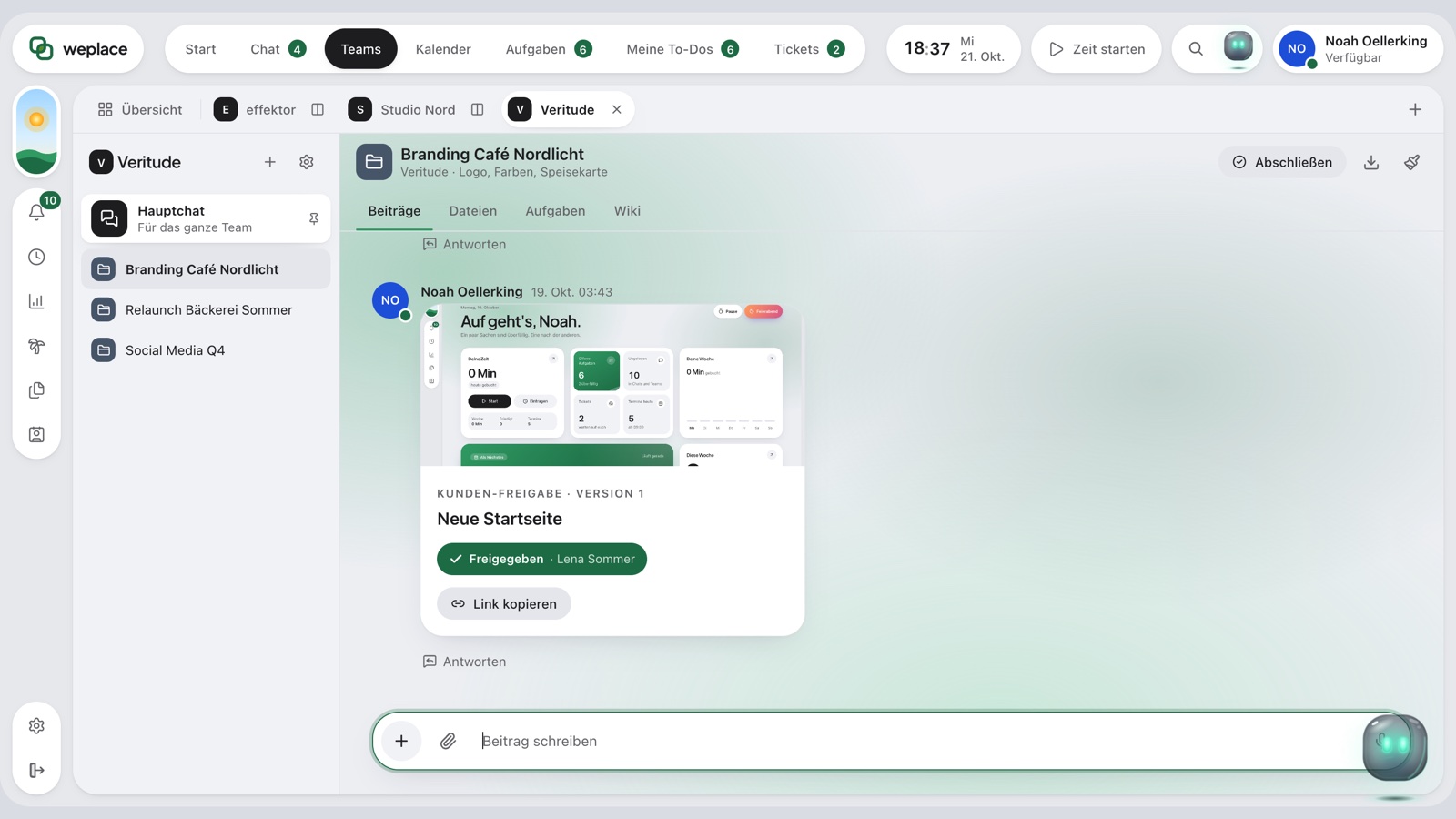
- Chat and projects: Every team has a main chat. Below it sit the projects, each with its own chat, files and tasks.
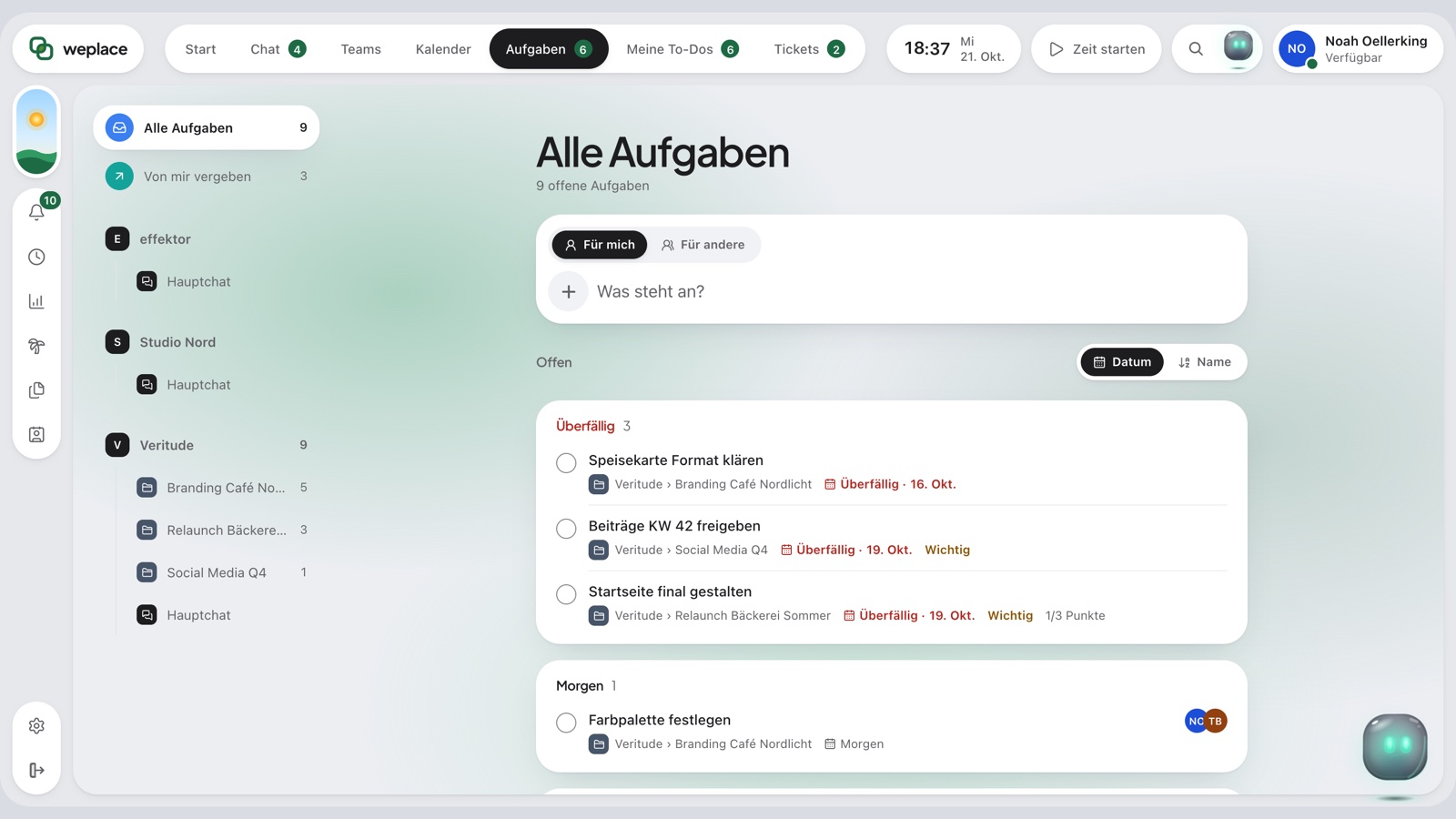
- Tasks: assign them, set a priority, enter progress in percent. Everyone sees what’s coming up and how far the others have got.
- Calendar: appointments with the team, recurring ones too, like the weekly update.
- Calls: straight from the chat, with video, screen sharing and guests via link.
- Time tracking and files: a timer keeps track of your working time, and files up to 2 GB are easy to attach to a message.
- Clients in the project: A client gets access to exactly their project and sees nothing else.
One team, every project
The layout is kept simple on purpose. At the top, the main chat for everyone, below it the projects. Open a project and you’ll find everything that belongs to it: the conversation, the files, the tasks. Nobody has to hunt for the program that has the latest version.
Tasks that actually land
In weplace, a task is handed out with one click. Sorting happens on its own: overdue first, then tomorrow, then later. On top of that, “My to-dos” gives you a space of your own for everything that only concerns you.
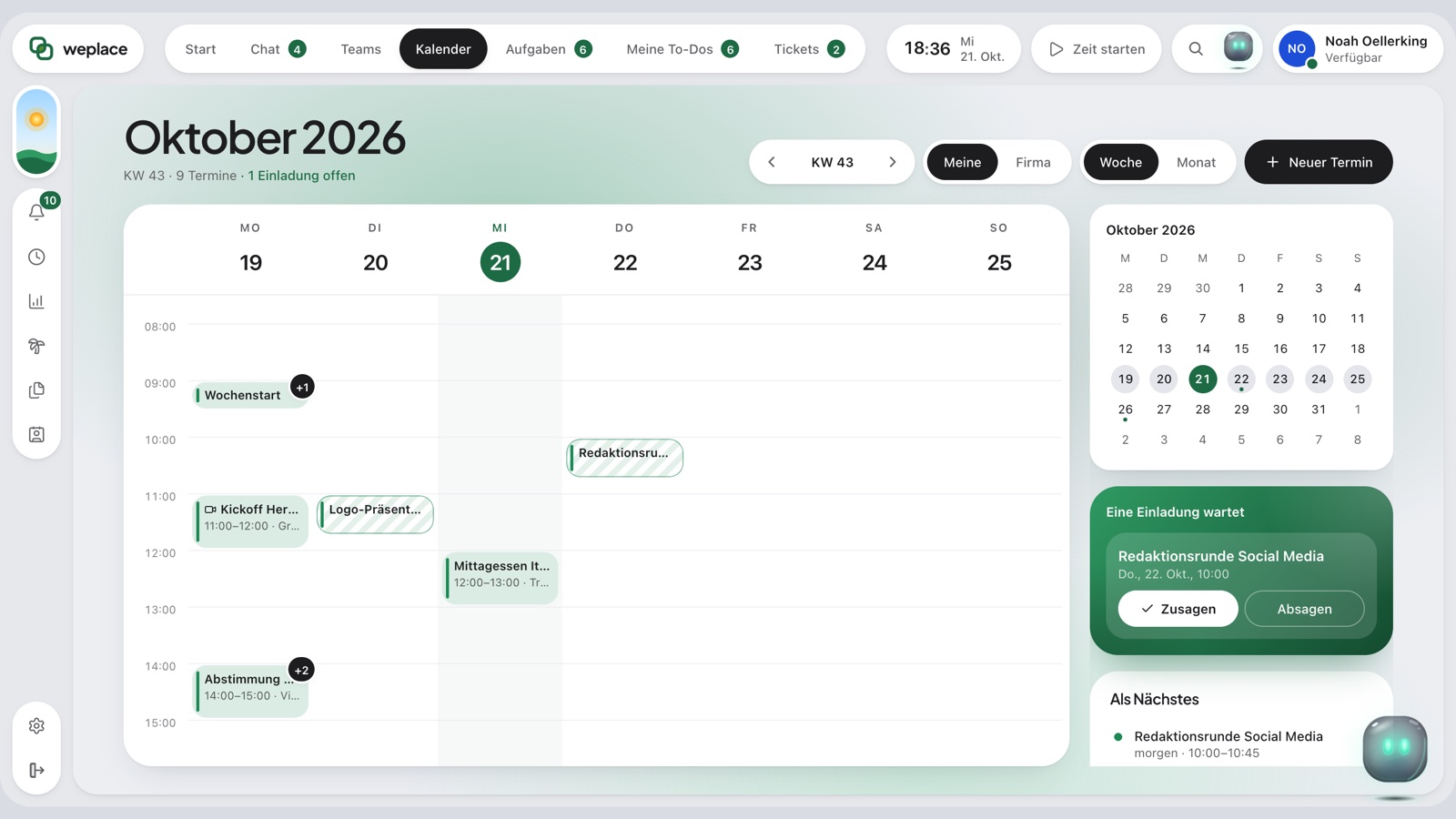
Plan ahead. Or just call.
Appointments land in the weekly calendar, and you accept invitations with one click. And some things get sorted faster by talking: that’s why you can call straight from the chat in weplace, with or without the camera. Scheduled meetings get a link, so clients can join even without an account.
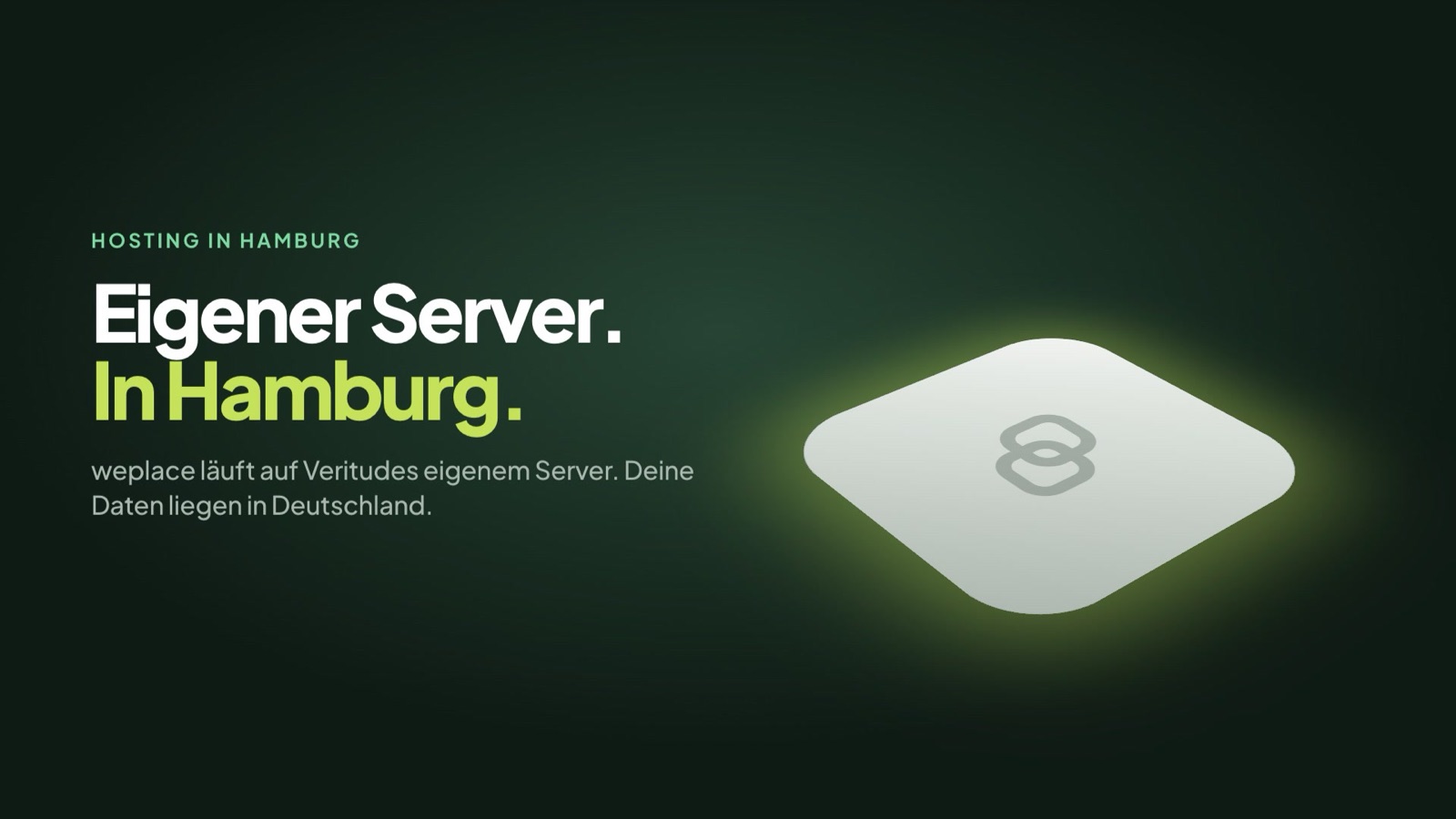
Our own server, in Hamburg
weplace doesn’t run in someone else’s cloud. It runs on Veritude’s own server in Hamburg. The data stays in Germany. There are no ads and no tracking.
Where weplace stands right now
weplace is in testing and not publicly available yet. Right now I’m using it internally, finding bugs and building whatever is missing in everyday use. A public launch is possible, but not planned yet.
What happens next, you’ll read here on the blog.
All people, projects and messages in the images are made-up sample data.